Your know-how lives in people's heads
Design standards, fixturing rules, and "how we always do it" live with a few senior engineers. Every new part pays that tax again.
01 / 03 · CAD plug-in
A plug-in that lives in your CAD system. It reads the model, applies your standards and saved workflows, and makes the change, one undo step at a time.
Why now
Design standards, fixturing rules, and "how we always do it" live with a few senior engineers. Every new part pays that tax again.
Problems show up at first article, at the machine, or in the field. By then a design change costs scrap, machine time, and a week.
Off-the-shelf copilots don't know your machines, materials, tolerances, or customers. Suggestions that ignore them are a liability.
How it works
Unify3D Agent · CAD plug-in
Unify3D Agent is a plug-in that lives inside your CAD system. Ask it in plain language, click one of your ribbon tools, or launch a saved workflow. It reads the model, applies your rules, and makes the change through the full CAD API.
Unify3D Sims · agent-built
Next the agent sets up the test. With Unify3D Sims it assembles a Simulation App for exactly this part and process: the machine it will run on, that machine's controller and post, the stock, the fixture, and the pass/fail rules your engineers wrote.
Any process · headless · fast
The design runs through a simulation of your actual process, headless and as fast as the hardware allows. CNC milling is just our first example: a simulation can be built for whatever decides whether your design is good. Every run is measured against your rules and recorded.
The same platform can simulate
Then it repeats
The agent reads the results the way an engineer would: what failed, by how much, and why. It revises the design and runs the loop again, iteration after iteration while your team works on something else. It stops when the design passes or needs a human decision.
Design · CAD agent
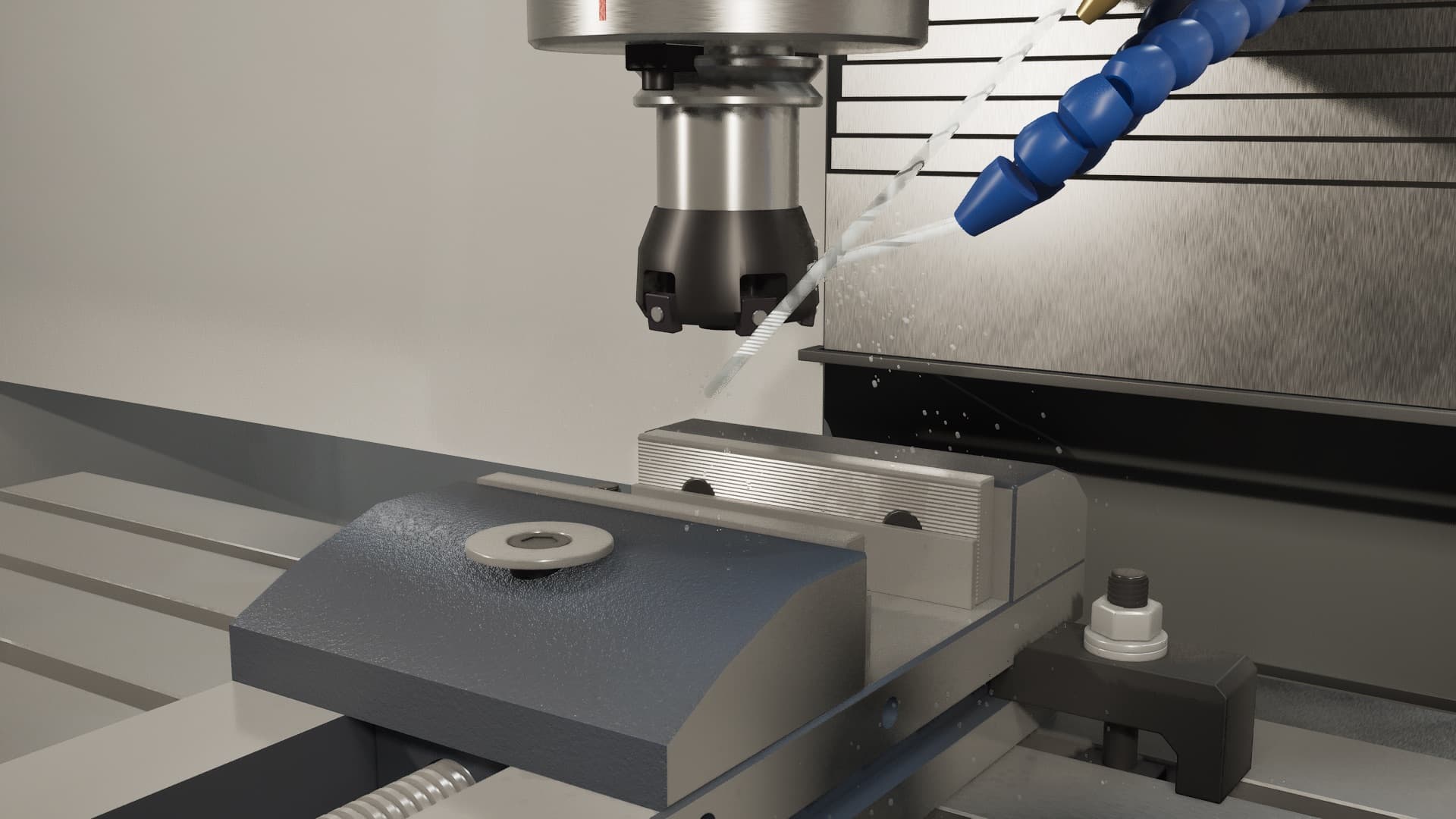
Simulate · 3-axis VMC profile
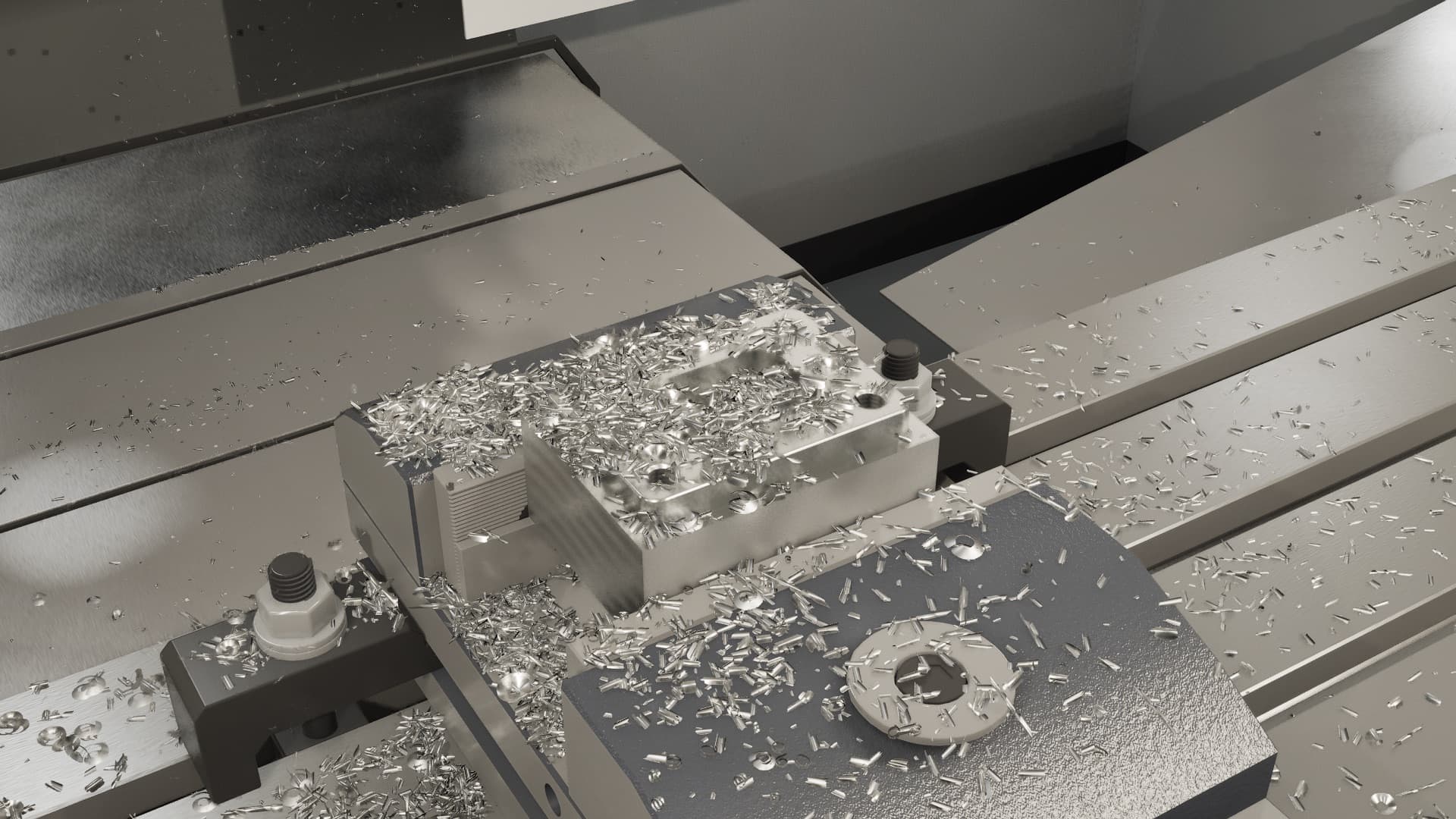 T5 · 8,000 rpm · 1.2× real timeREC ● snapshot 14
Two platforms, one loop
Unify3D Design
Design agents, ribbon tools, and saved workflows that encode your standards inside the CAD your team already uses.
Learn more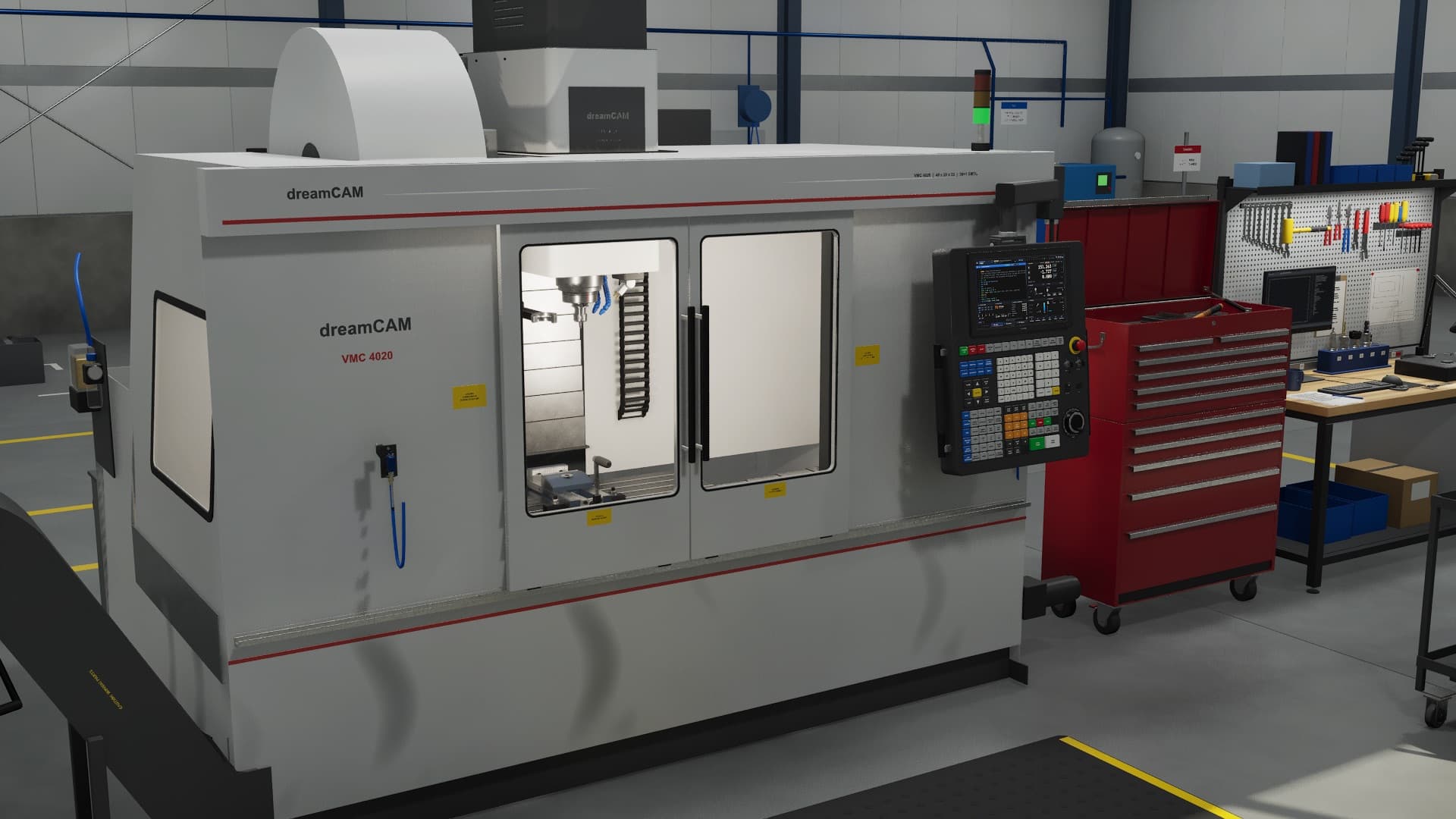
Unify3D Sims
Agent-built simulations of your machines, controllers, and materials. They run headless for agents and in 3D for people.
Learn moreUnify3D Design
 Unify3D
Our first platform. A design agent that lives in the Task Pane, works through the full SOLIDWORKS API, and checks exact API signatures for your installed version instead of guessing. Engineers stay in control: changes can require approval, run automatically, or be limited to read-only, and each one is a single undo step.
Workflow · Compression Mold v3
A chat panel, a Unify3D ribbon tab, and right-click "Ask Unify3D" on faces, edges, and features. The agent reads and changes the model through the full CAD API.
Quick commands with native input pages, live holographic previews, and verified macros. Each run is one undo step, and every tool can go on a hotkey.
Larger procedures, such as building a compression mold, saved once and run by the agent the same way every time.
Record an expert doing the job: every feature, parameter, and selection. Then say "turn what I just did into a tool."
STEP, IGES, Parasolid, native parts and assemblies, STL, 3MF, and OBJ, measured and rendered in the background so the agent sees what you see.
Design conversations are saved inside the part or assembly and survive renames, copies, Pack and Go, and PDM check-in.
Agents are most useful when they can reach the rest of your process. We connect them to the systems around your CAD.
Unify3D Sims
Example simulation
In developmentThis is one Simulation App, and one of the most demanding: a physics-based 3-axis machining center that runs real NC programs and models material removal, tool loads, collisions, and cycle time, in real time or faster. Its front end, dreamCAM, is an interactive machine in Unreal Engine that you can walk up to and run.
A manufacturing simulation like this can be built for your process.
Your machines, cells, and lines, with the physics and rules that matter to your parts.
Get a sim built for your processInside the example: Simulation Units
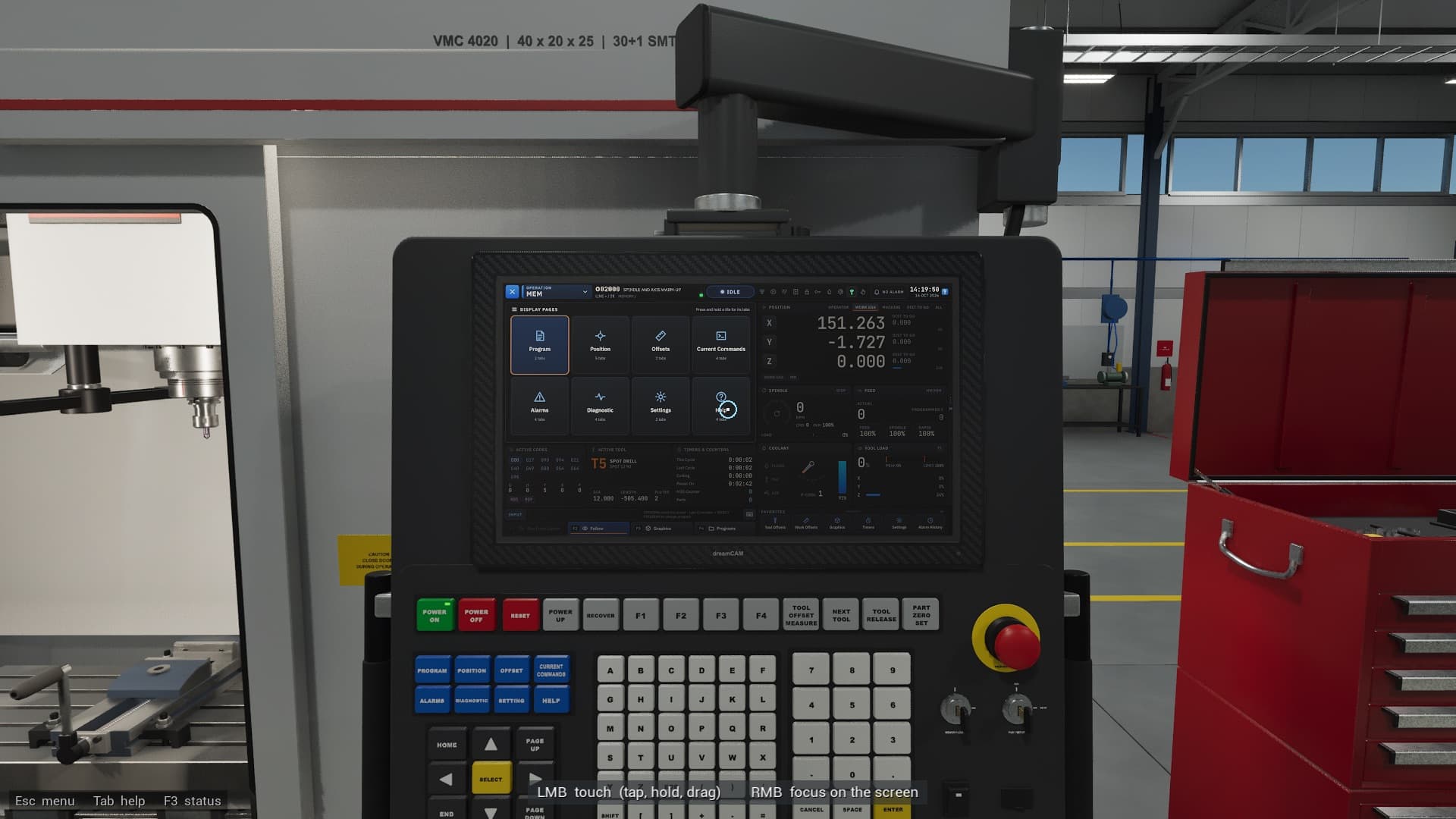
NC program execution, offsets, MDI, feed hold, and single block, on a control panel that works like the real thing.
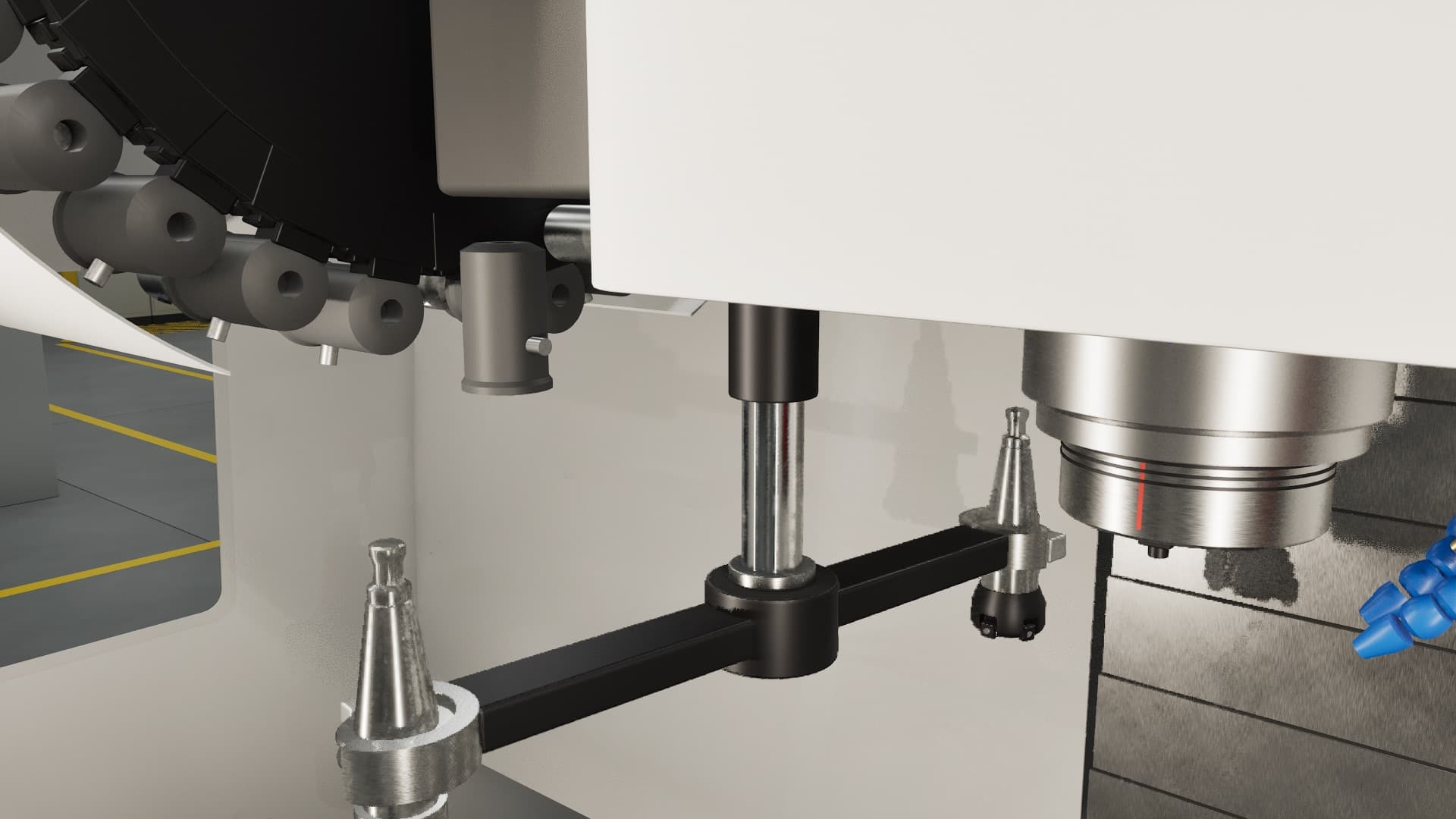
Axis travel, spindle, and a 30+1 side-mount tool changer, all on the sim clock, so reach and holder clearance are checked for real.
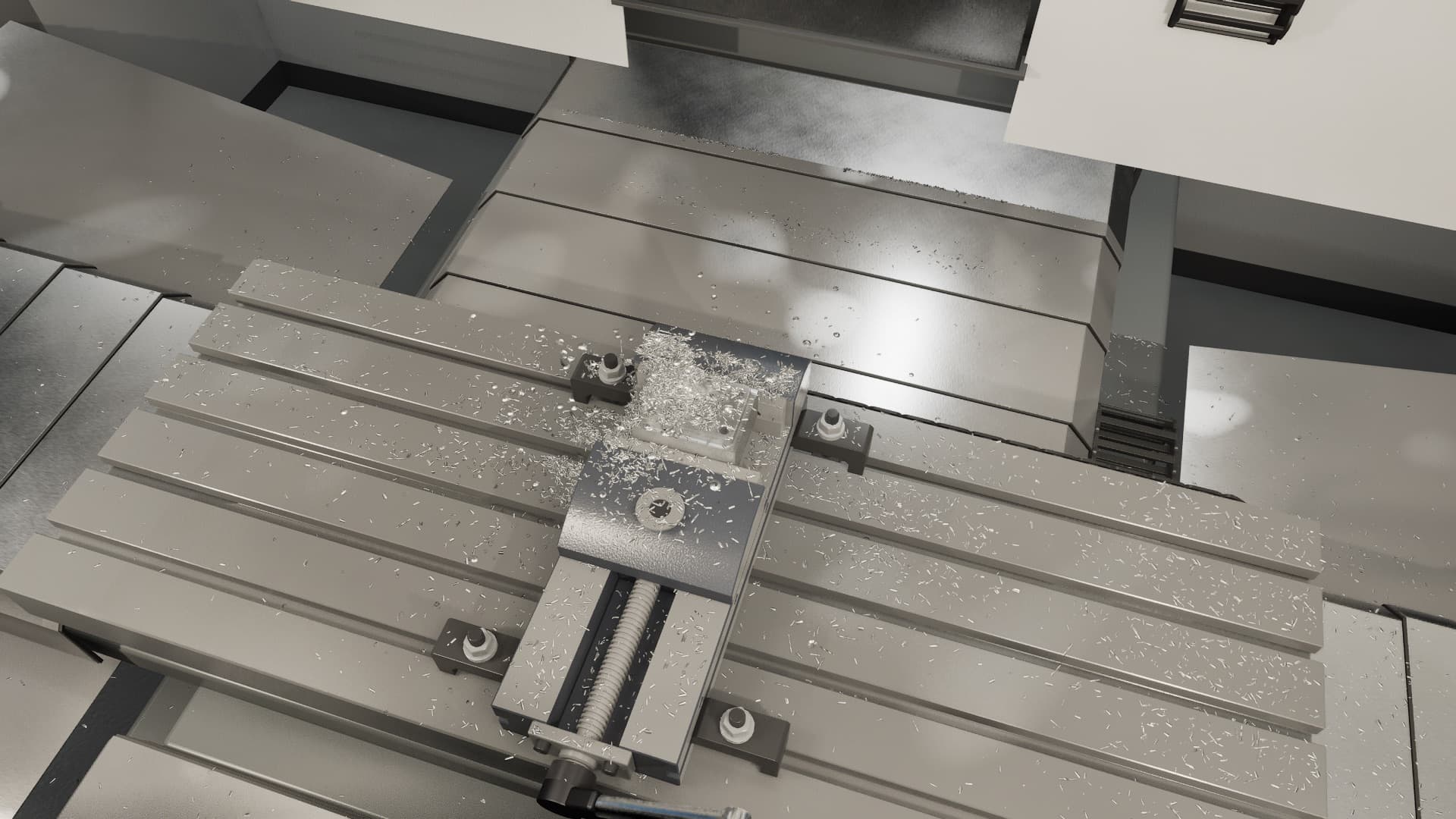
Stock, chips, and coolant, with tool loads and the finished part measurable afterward with simulated calipers and micrometers.
AI agents assemble new simulation apps from templates and reusable units, so a sim of your process is a project, not a multi-year software effort.
Swap a profile to model a different milling machine, controller, or post processor. A whole-company profile captures your entire floor.
Some apps run in real time or faster, like CNC milling. Others are slow and precise, like injection molding. Each is tuned to the decision it supports.
Business-specific
Every agent, tool, workflow, and sim profile is developed around your exact process. Nothing about it is generic, and it is not shared with anyone else.
It runs on your workstations and your own AI account. Design history is stored in your files, and your standards never become someone else's training data.
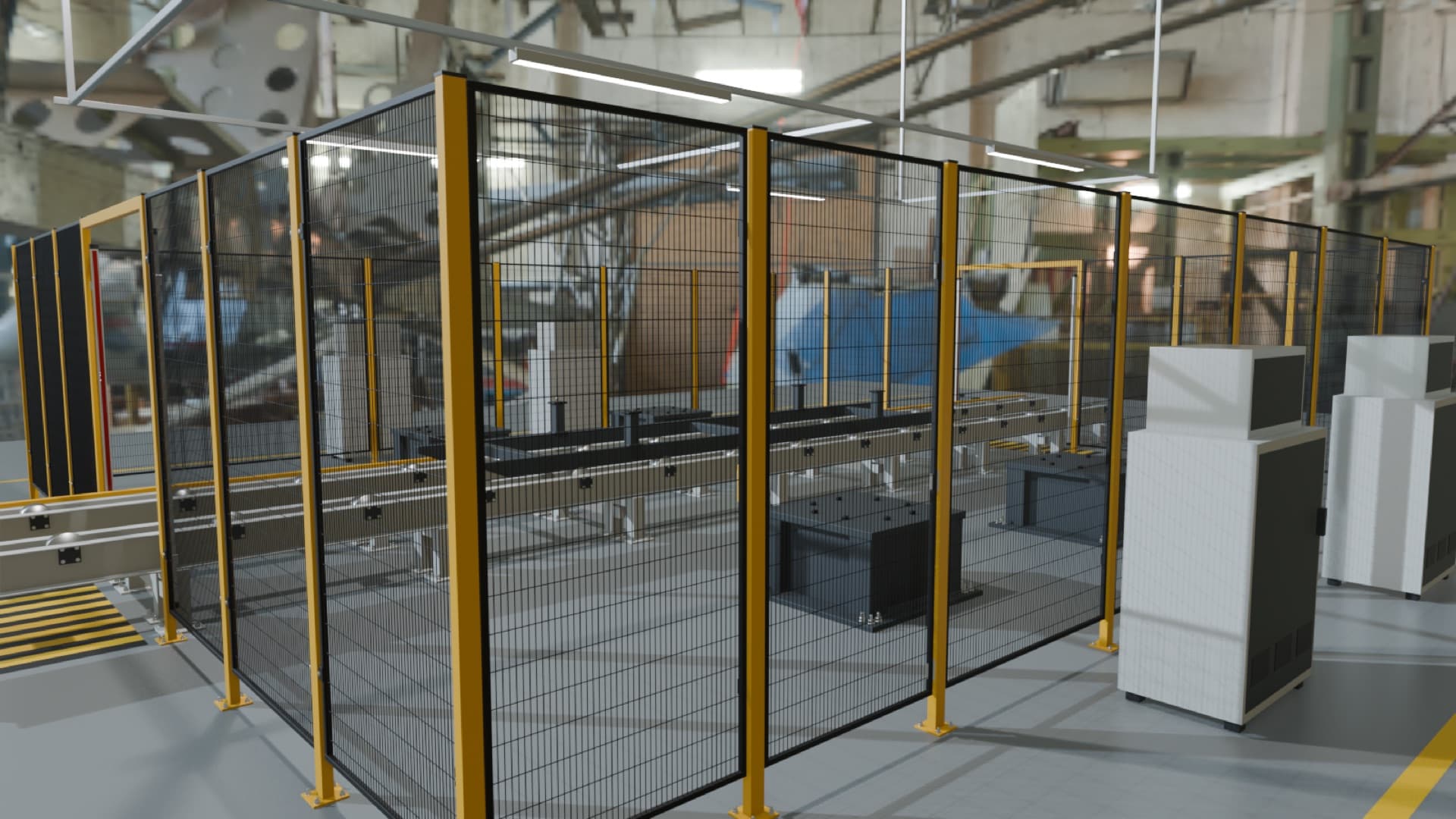
We started out building factory digital twins with AI vision and sensors. That work now calibrates sim profiles against real machine data, so simulation results match what your shop actually does.
Where it's going
Today, design and simulation are separate programs with separate data. Unify3D is building toward one model in which precise NURBS geometry, mesh and voxel physics, materials, and soft bodies, liquids, and gases are all native. The design you edit would then be the same thing you simulate, so each pass around the loop gets faster and more faithful.
How we work
Find a design task your team repeats every week and a validation step that comes too late or costs too much.
Turn your standards and your best engineer's method into Unify3D tools and workflows inside your CAD.
Build the sim profile for the machines, materials, and acceptance rules that decide whether that design is good.
Run design and validation together, measure hours and iterations saved, then decide what to automate next.
One process. One design agent. One simulation. Measurable results.
Get Unify3D
Built around one of your parts and your process. Unify3D can: